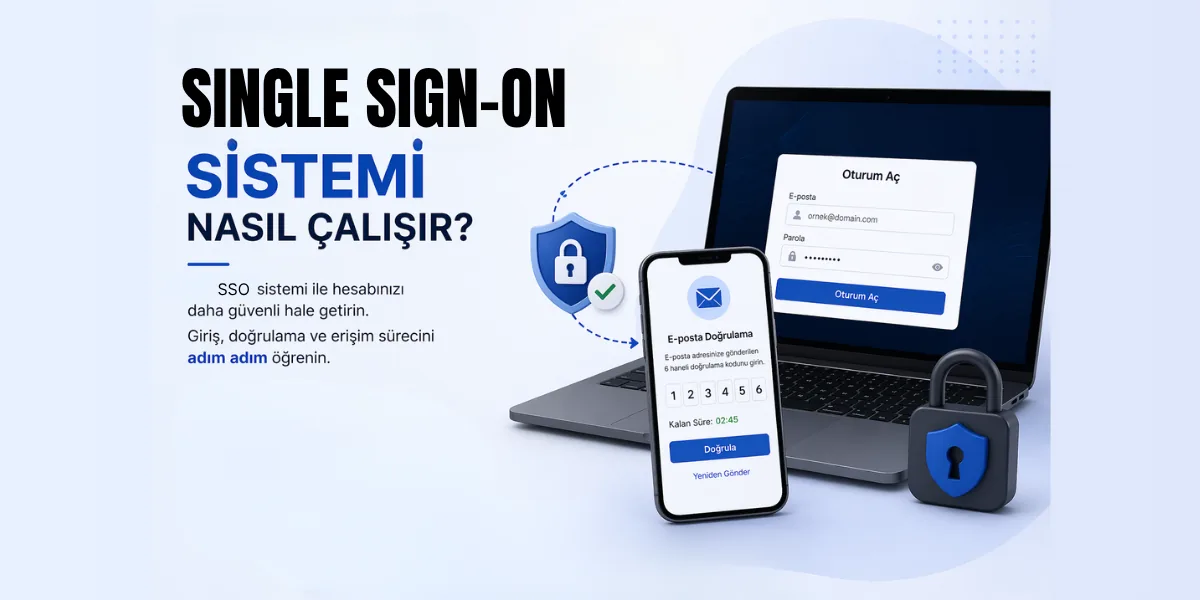
What is 2FA?
Two-factor authentication (2FA) is a security process in which a user provides two different authentication factors to verify their identity. This helps prevent unauthorized access to the user's account or device even if an attacker knows their password.
Authentication Factors
There are several types of authentication factors that can be used for 2FA:
- Something the user knows: This can be a password, PIN or security question.
- Something the user has: This can be a phone, a security token or a security key.
- Something the user is: This can be a fingerprint, face or voice.
How Does 2FA Work?
When 2FA is enabled, a user must provide both types of authentication factors to access their account or device. For example, a user can enter their password and then use their phone to receive a code that they must enter to complete the login. This makes it much harder for an attacker to access the user's account, even if they know the password.
Why is 2FA important?
Two-factor authentication (2FA) is important because it adds an extra layer of security to an account or device, making it much harder for an attacker to gain unauthorized access. This is especially important for online accounts, where passwords can easily be stolen or guessed.
When 2FA is enabled, an attacker needs not only to know the user's password but also to gain access to one of the other authentication factors (for example, a phone or a security token). This makes it much harder for the attacker to gain access to the account and helps prevent the user's sensitive information from being compromised.
2FA is also important because it helps protect against several different types of attacks, including phishing attacks, malware attacks and brute-force attacks. By requiring multiple forms of authentication, 2FA makes it much harder for an attacker to succeed in such attacks.
Overall, 2FA is an important security measure that can help protect users and their sensitive information from unauthorized access.
How can I use 2FA at METUnic?
You can add Two-Factor Authentication to your METUnic account by following the steps below:
- After logging in to your METUnic control panel with your user credentials, click your name and surname at the top right of the screen.
- Select "Manage Account" from the list that opens, then switch to the "Authentication" tab on the "Edit My Information" screen.
- Check the "Enable Two-Step Authentication" box at the bottom of the screen.
- To use Two-Step Authentication, you must have a one-time password (TOTP) generator. If you have a mobile device running Android, iOS or Windows, your phone will act as the password generator and provide the One-Time Password you need.
- After opening the app, scan the QR code shown on the screen.
- Confirm your One-Time Password, then click the "Update My Information" button. The next time you log in to the system, you will need to enter your One-Time Password again.
Was this article helpful?
Thank you for your feedback.
Still stuck? Our support team is here to help. Tell us your question and our experts will help you.