YaaniMail Is Closing: How to Move Your Emails Safely?
We explain that Turkcell's free email service YaaniMail closes on 31 October 2026 and what this means for its users. We show step by step how to move your emails to Business Email using Audriga.
Guides on setting up business email, configuring email clients and migrating mailboxes.
We explain that Turkcell's free email service YaaniMail closes on 31 October 2026 and what this means for its users. We show step by step how to move your emails to Business Email using Audriga.
We walk you through moving messages from your Yandex email accounts to Business Email using Audriga. We also explain creating an app password, enabling IMAP and running a delta migration for the latest emails.
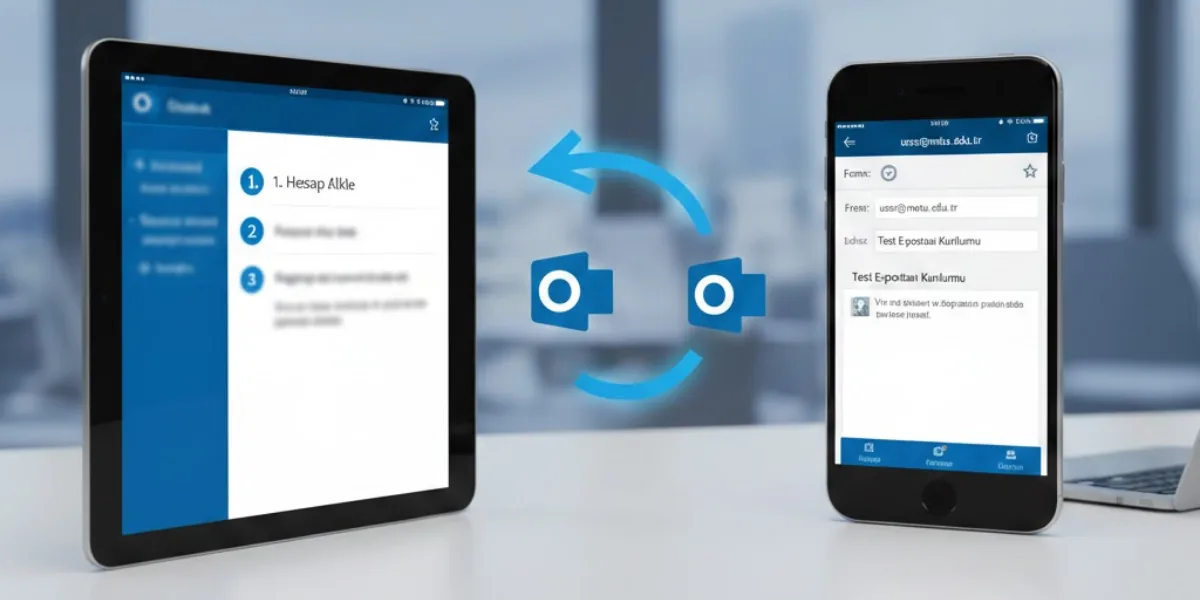
We walk you through adding your Business Email account to the Outlook app on iPhone and iPad using IMAP. We also show the IMAP and SMTP server settings you need and how to find them in your webmail settings.
We show step by step how to add your Business Email account to Gmail via POP3, with the server and port details. We also explain the SMTP settings for sending from that address in Gmail and how to fix common errors.
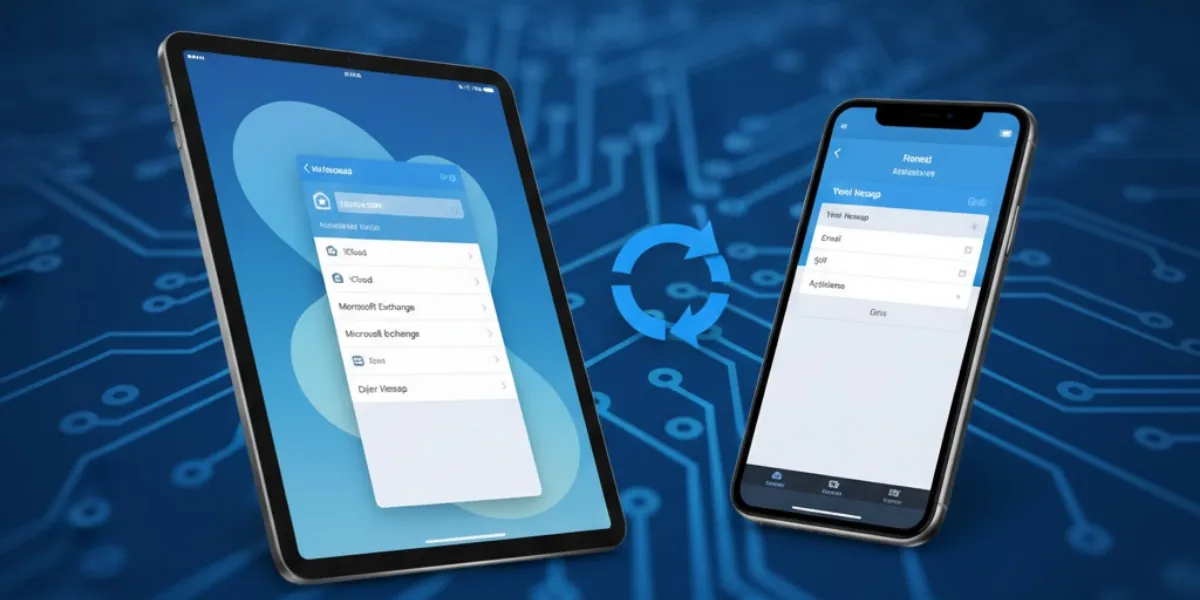
We show step by step how to add your Business Email account to Apple Mail on iPhone and iPad using IMAP and SMTP settings. We also explain where to find the server details in webmail and how to check the port settings.
We walk you through setting up your Business Email account in clients such as Outlook, Gmail and Thunderbird via webmail. We also share the required IMAP and SMTP server, port and connection settings.
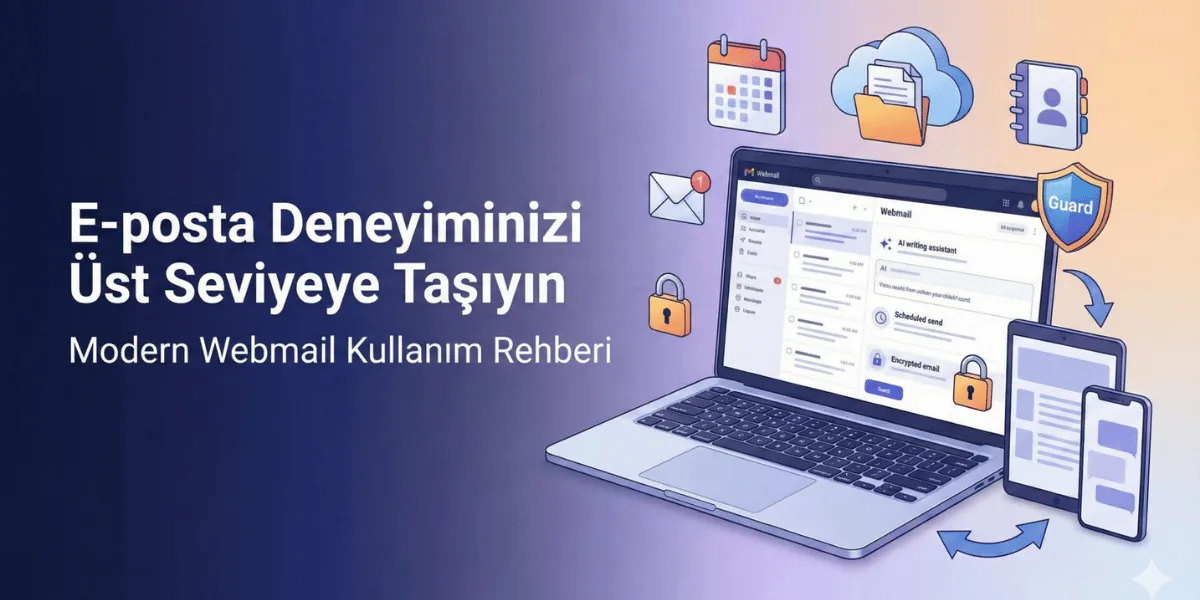
We show you how to use the mail, calendar, contacts, sharing and Drive modules in the Business Email webmail interface. We also explain plan features such as scheduled sending, rules, templates, encryption and AI tools.
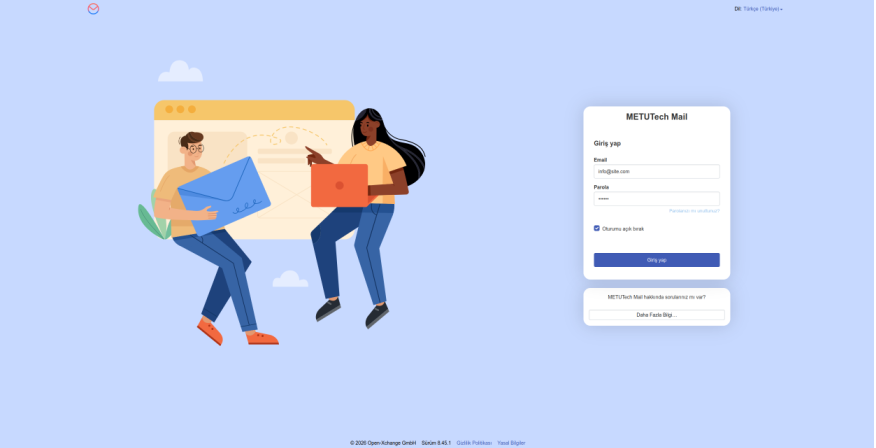
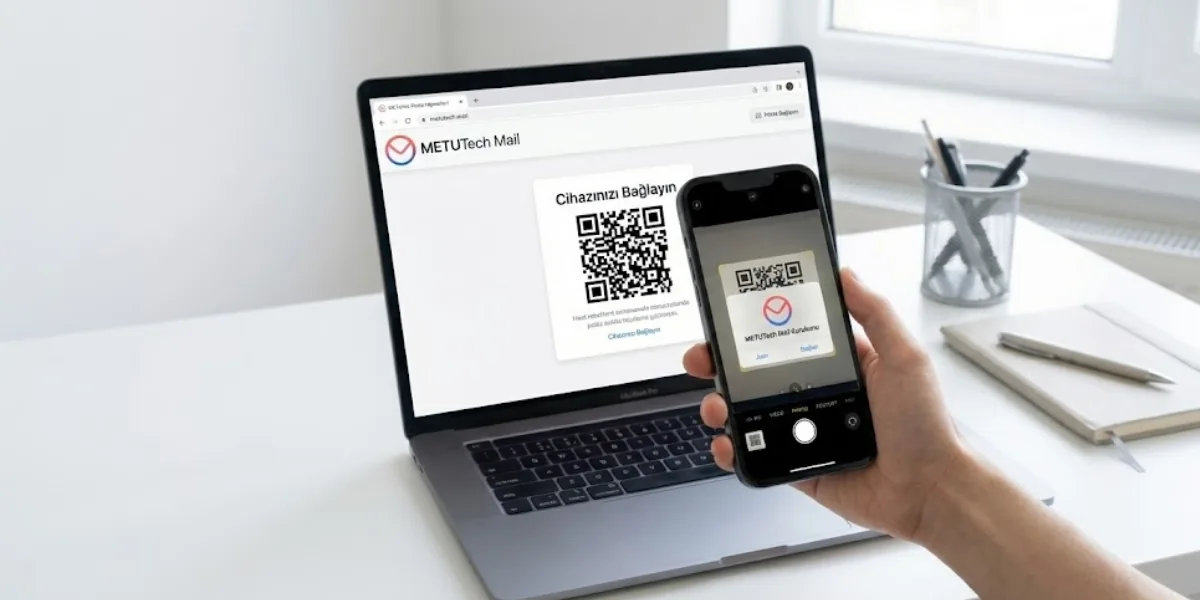
We show step by step how to connect your Business Email account to your phone, starting from the METUnic panel. We explain how to install the app on Android and iOS devices using the QR code in the webmail settings.
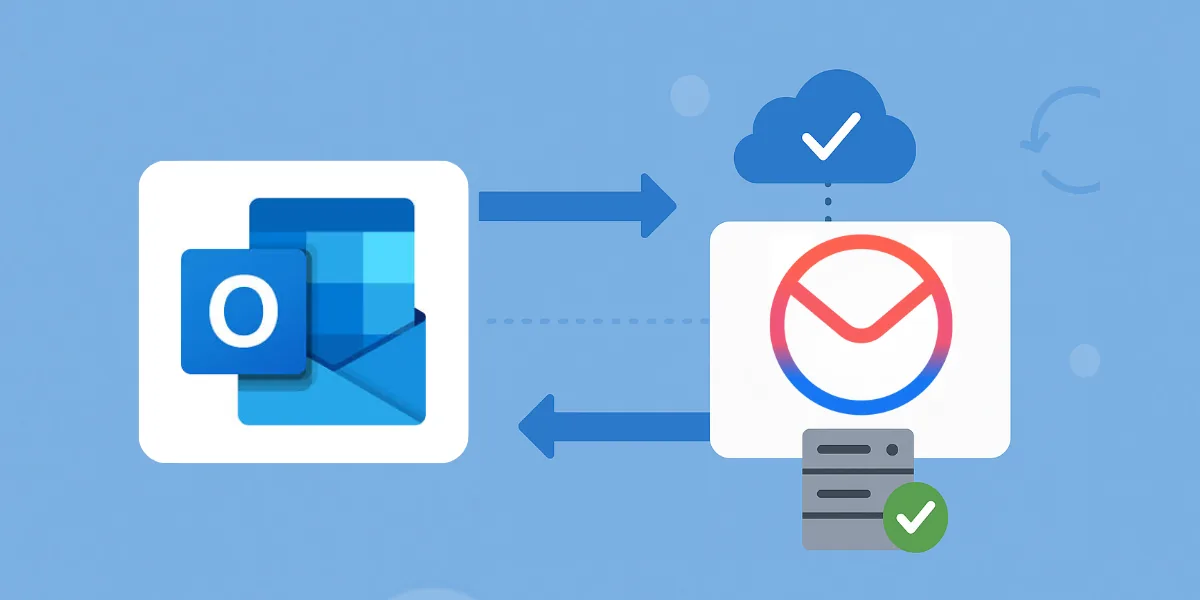
We explain step by step how to migrate your Microsoft 365 mailboxes to Business Email with the audriga Migration Service. We cover which data can be moved, the limitations, preparation steps and delta migration after the DNS change.
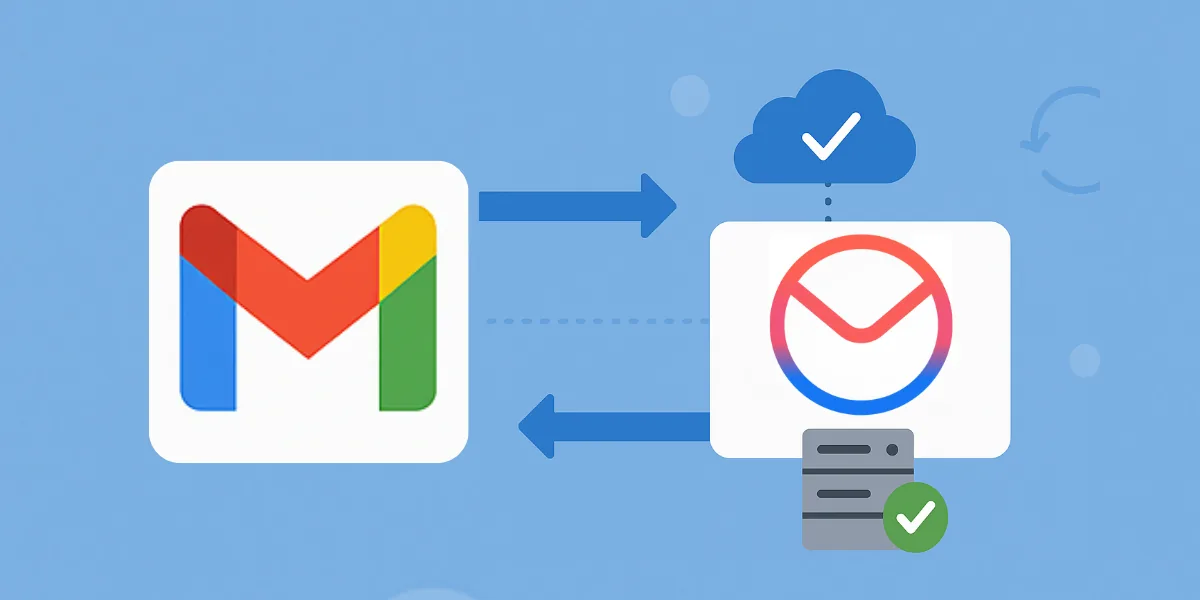
We walk you through moving your email, contacts and calendars from Google Workspace to Business Email with audriga. We also explain what cannot be migrated, the limitations, OAuth authorization and delta migration after DNS changes.
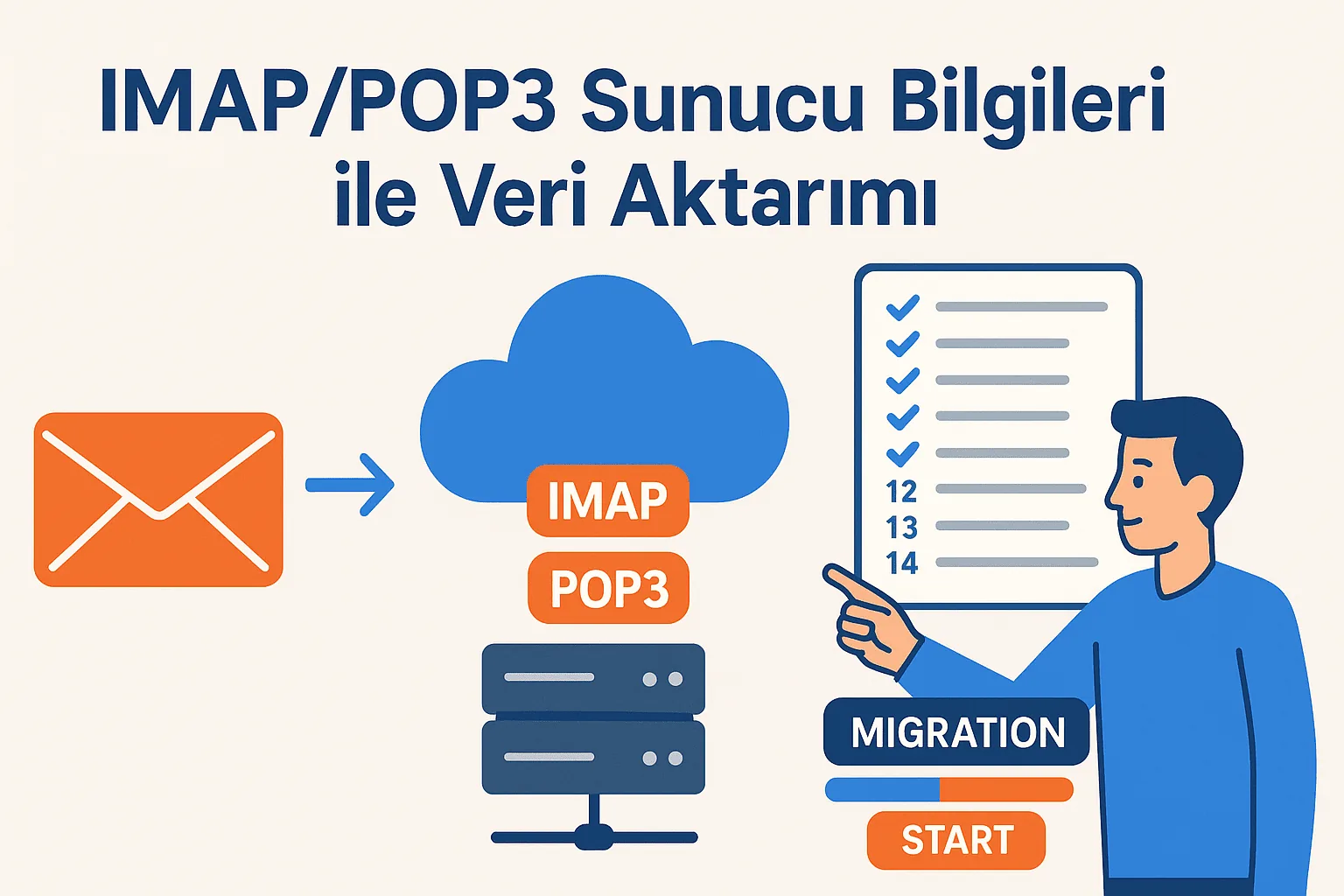
We walk you through moving emails from your old provider to your Business Email account via Audriga using IMAP/POP3 details. We also cover what to prepare beforehand and how to track the migration.
We walk you through enabling 2-Step Verification on your Gmail account and creating a 16-digit app password for IMAP connections. We also share the IMAP and SMTP server settings and tips for keeping your account secure.