Contents
You have purchased the email service for your domain name and completed the DNS records. Now it is time to activate your webmail account and start communicating by email!
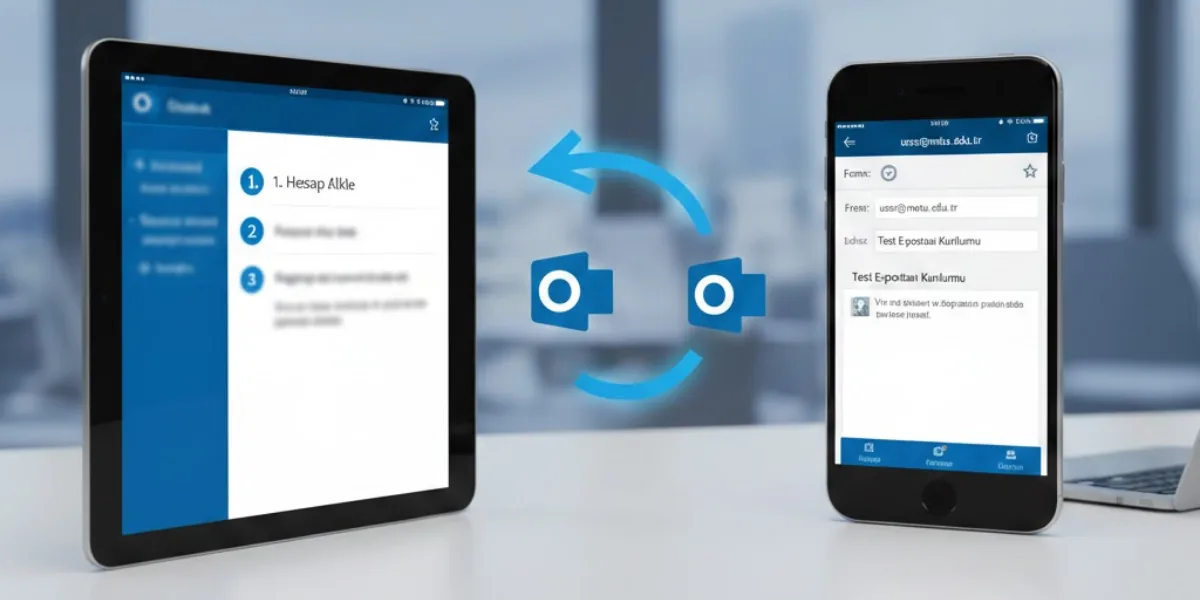
You can easily create your email webmail account through METUnic in just a few steps. Here is our detailed guide
Creating a Webmail Account from the Panel
Step-by-Step Webmail Account Activation
1. Go to the "Manage" Tab
After logging in to your METUnic control panel, follow "Services → Mail Service" from the top menu.
Click the "Manage" button next to the relevant domain name to go to the email management screen.
2. Reach the Add User Screen
On the page that opens, click the "Edit Users" option in the left menu.
From here, you can create a new email account using the "Add User" button.
3. Enter the Account Details
For the new email account you will create:
- Enter the username (for example: info@alanadiniz.com)
- Enter the password details
Then complete the process by clicking the "Add" button.
4. Log In to Webmail
After your account has been created successfully, you can reach the login page by clicking the "Go to Webmail" button on the same screen.
By logging in to your webmail account with the email address you created and your password, you can start sending and receiving emails.
What Can You Do with Webmail?
- You can create professional email addresses specific to your domain name.
- You can manage your emails through a secure interface.
- You can use features such as calendar, contacts and task management.
- You can access your email from all devices.
Using Webmail on a Mobile Device
Can I Download Webmail as an App on My Phone?
Of course! You can also easily use your webmail account on your mobile device. Follow the steps below:
- Go to the "Services → Mail Service" menu in the METUnic control panel and log in to your webmail panel with the "Go to Webmail" button.
- In the webmail interface, open the "Settings → Connect your device" tab from the top menu.
- Scan the QR code on the screen that opens with your mobile device's camera or a QR code reader app.
- After the connection process is complete, you can download the AppSuite app to your device and easily manage your emails on mobile.
AppSuite is available free of charge in the stores for Android and iOS devices.
What Can You Do with Webmail?
- You can create professional email addresses specific to your domain name.
- You can manage your emails through a secure interface.
- You can use features such as calendar, contacts and task management.
- You can access your email from all devices.
Support and Contact
Do You Need Help?
If you run into problems during the setup process, the METUnic support team will be happy to help you.
📧 Create a Support Ticket
📞 Support Center: +90 312 909 66 28
Get to know METUnic webmail services for professional email communication and make your business processes easier!
Was this article helpful?
Thank you for your feedback.
Still stuck? Our support team is here to help. Tell us your question and our experts will help you.