We explain what specially protected trademarks are, given extra protection by TÜRKPATENT, and why they can put your application at risk. We also show, with examples, what to check before filing a trademark application.
We explain the differences between word, logo and slogan trademark registrations with examples. You will learn which type suits which situation and why registering all three together gives the strongest protection.
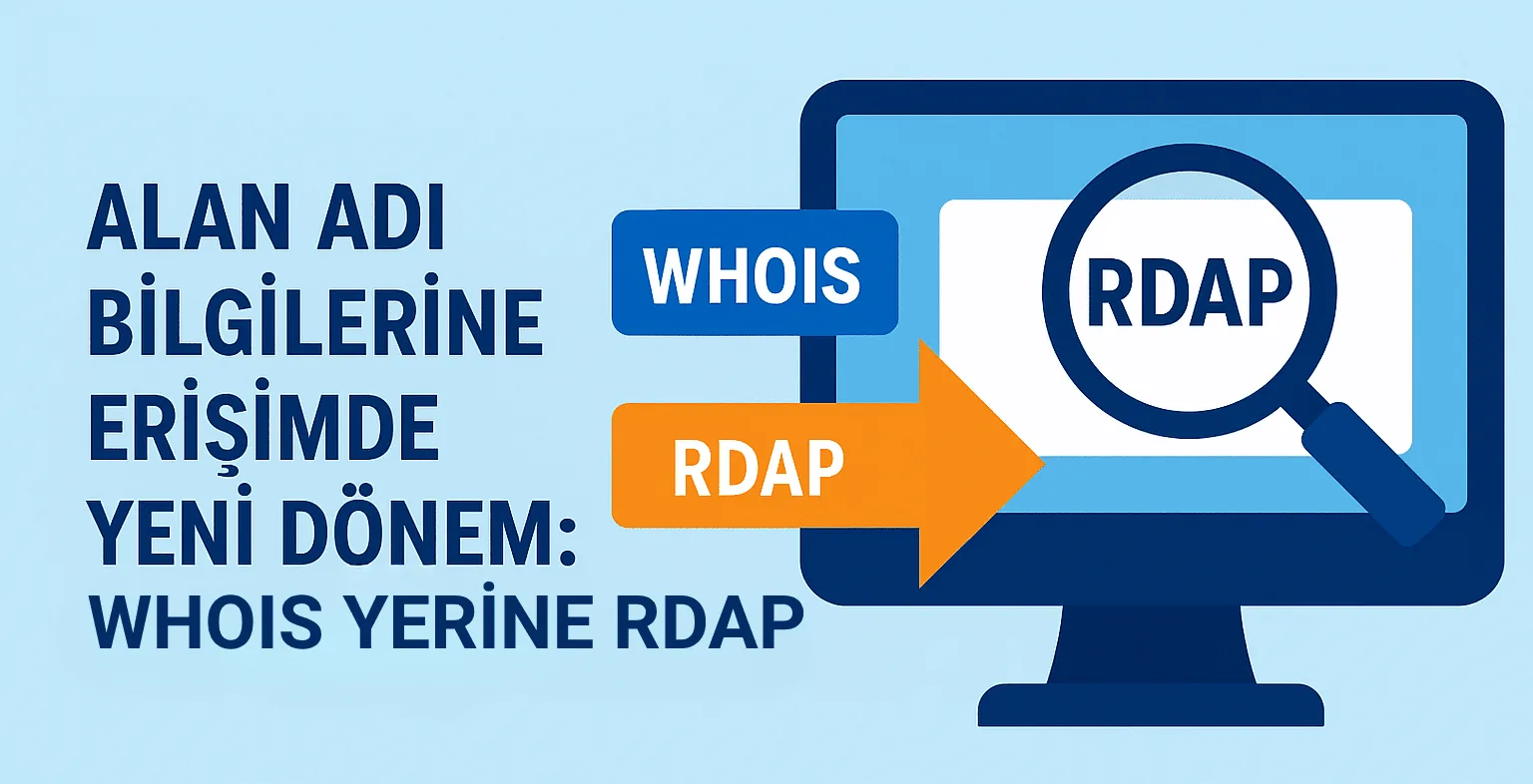
We explain RDAP, which replaced WHOIS for gTLDs from January 28, 2025 following an ICANN decision, and what it brings. We also show where to look up domain data and how things stand for the .tr extension.
We explain the risks of using an unregistered trademark, from infringement claims and imitation to a lack of legal protection. We also show how these risks can affect investment and brand value, and how to protect your brand.
We explain the Nice Classification, made up of 45 classes, and why trademark classes matter for registration. We also show how to choose the right class for your brand and which common mistakes to avoid when selecting one.
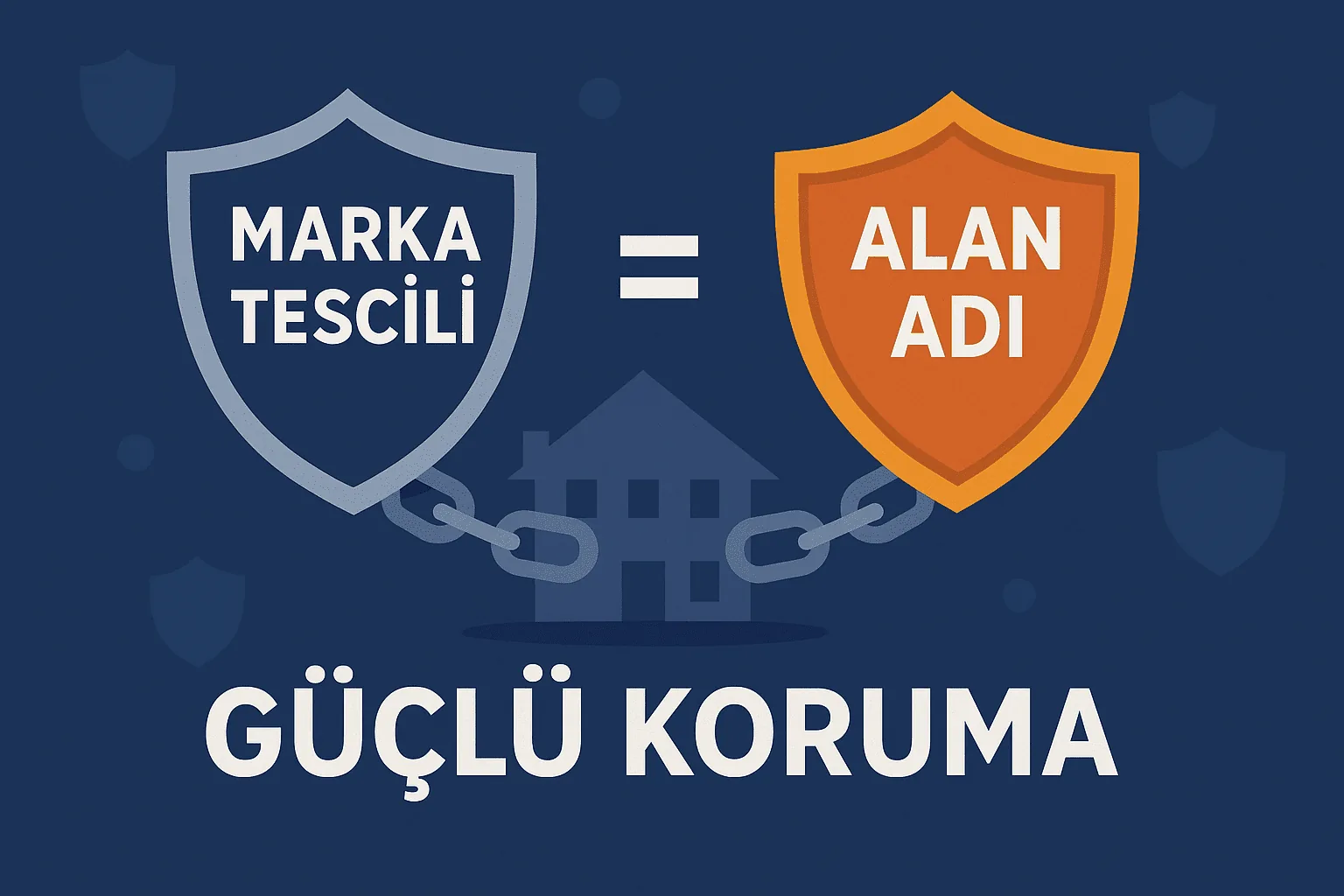
We explain how a domain name and a trademark registration complement each other in protecting your digital identity. We cover why owning the domain alone is not enough and how to build a joint protection strategy.
We summarize Q1 2025 domain industry data, with total registrations reaching 368.4 million, and changes in .com, .net, ccTLD and ngTLD registrations. We also share the largest extensions and their renewal rates.
We explain why trademark registration matters and how you can complete your application in three steps with METUnic's online service. We also introduce additional services such as trademark renewal, transfer and bulletin opposition.
We explain what a CSR is, the file you must create before getting an SSL certificate, and which details it should contain. We also cover what to watch for regarding key length, signature algorithm and keeping your private key secure.
We show step by step how to generate a CSR for an SSL certificate in Plesk 10. You will see how to enter the key size, company and domain details, and how to copy the CSR code for your order.
We walk you through generating a private key and CSR with the OpenSSL command on your Apache server. We explain which details to enter and how to add the CSR text to your certificate order.
We explain step by step how to generate a CSR (Certificate Signing Request) through the SSL/TLS Manager in cPanel 11.x. We also cover private key options, copying the generated CSR code and completing your SSL certificate order.