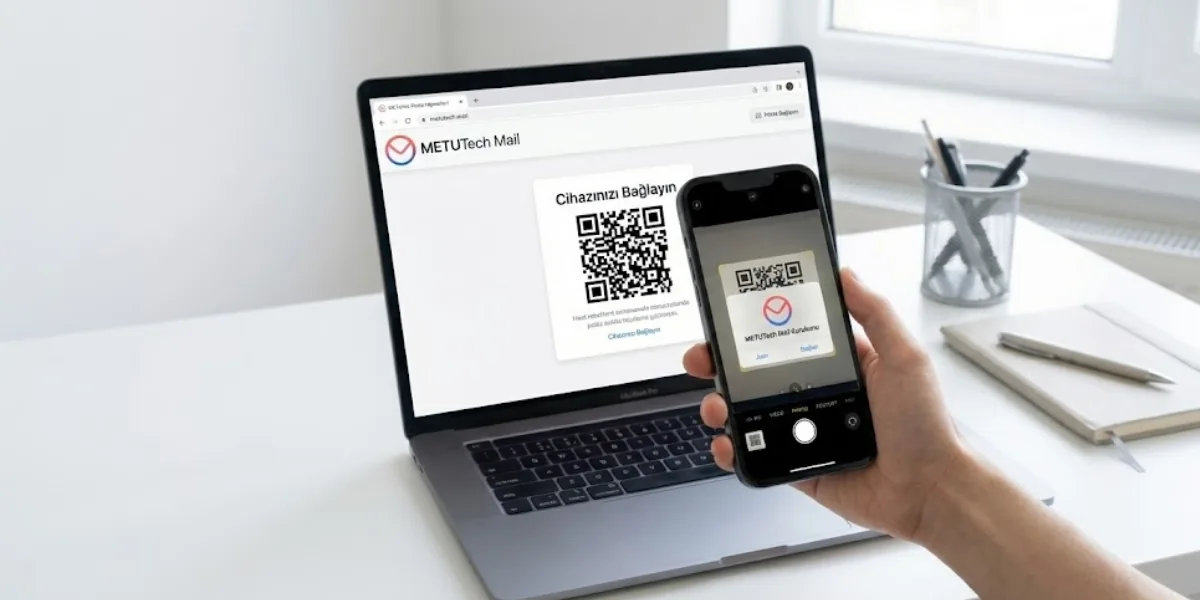
We show step by step how to connect your Business Email account to your phone, starting from the METUnic panel. We explain how to install the app on Android and iOS devices using the QR code in the webmail settings.
We explain why an SSL certificate is not set-and-forget, and how an expired or misconfigured one hurts security, SEO and user trust. We also share renewal and automation tips for keeping your certificate continuous.
We cover five steps often overlooked in trademark registration with TÜRKPATENT, from distinctiveness to class selection. We also explain what to watch for in similarity searches, publication and opposition, renewal and monitoring.
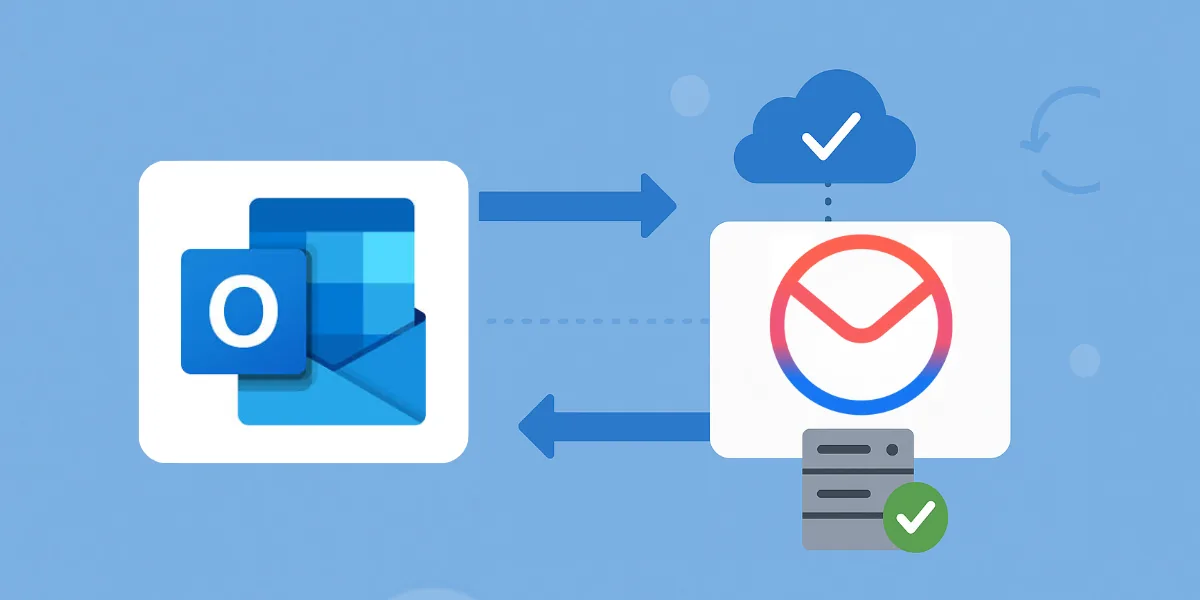
We explain step by step how to migrate your Microsoft 365 mailboxes to Business Email with the audriga Migration Service. We cover which data can be moved, the limitations, preparation steps and delta migration after the DNS change.
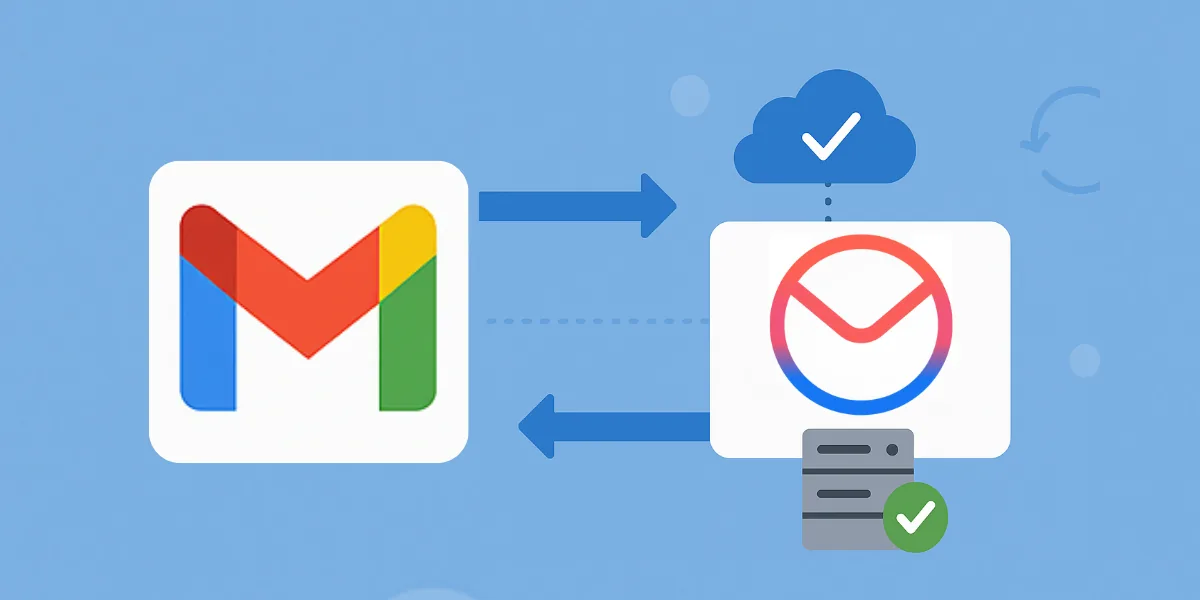
We walk you through moving your email, contacts and calendars from Google Workspace to Business Email with audriga. We also explain what cannot be migrated, the limitations, OAuth authorization and delta migration after DNS changes.
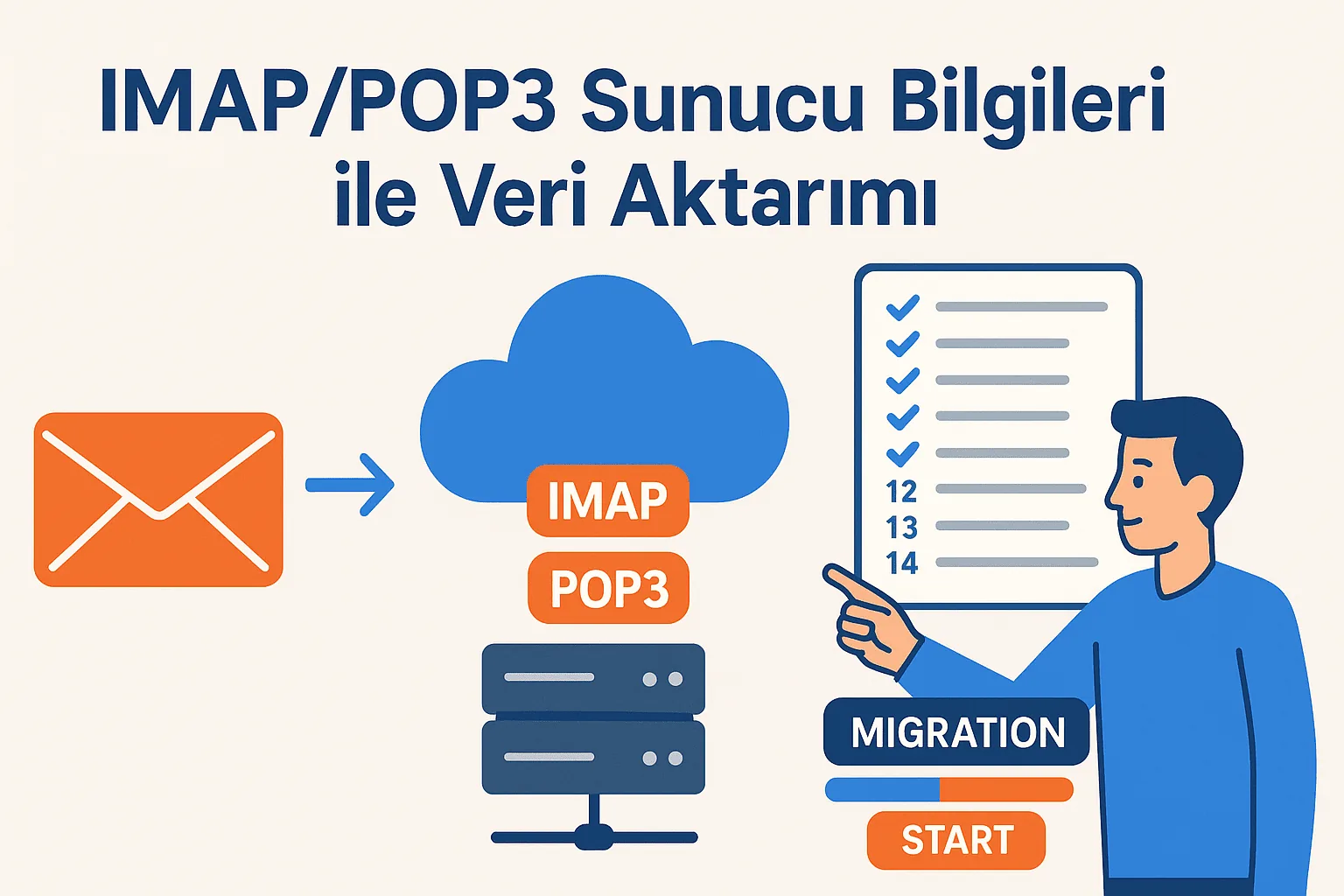
We walk you through moving emails from your old provider to your Business Email account via Audriga using IMAP/POP3 details. We also cover what to prepare beforehand and how to track the migration.
We walk you through enabling 2-Step Verification on your Gmail account and creating a 16-digit app password for IMAP connections. We also share the IMAP and SMTP server settings and tips for keeping your account secure.
We show you step by step how to reset a Business Email user's password from the Edit Users screen in the Customer Panel. We also explain the requirements for the new password and how to sign back in to webmail.
We announce that ICANN's Registration Data Policy takes effect on 21 August 2025 and summarize which data will be collected and published. We also explain WHOIS redaction, data retention periods and the transition for existing records.
We show step by step how to create a new email user in the METUnic panel and activate your webmail account. We also explain how to connect webmail to your phone with a QR code and the AppSuite app.
We walk you through ordering Business Email for your domain from the METUnic user panel. We also show how to complete the setup with DNS records after payment and how to access webmail.
We walk you through setting up the Business Email service you purchased from the METUnic panel. We explain where to add the required DNS records and how to sign in to your webmail account once setup is complete.