We show step by step how to build a professional website without coding using the AI wizard in Metutech.Design. We also explain how to write effective prompts, edit with the AI Assistant, and connect a domain to publish your site.
We explain in plain language the five criteria that really matter when choosing hosting for your website. You will learn what to look for in uptime guarantees, Turkish-language support, pricing transparency, ease of use and security.
We walk you through moving messages from your Yandex email accounts to Business Email using Audriga. We also explain creating an app password, enabling IMAP and running a delta migration for the latest emails.
We explain how a backorder works, letting you catch a domain name owned by someone else the moment it drops after deletion. We also cover the steps to place one at METUnic, the refund policy and the details to keep in mind.
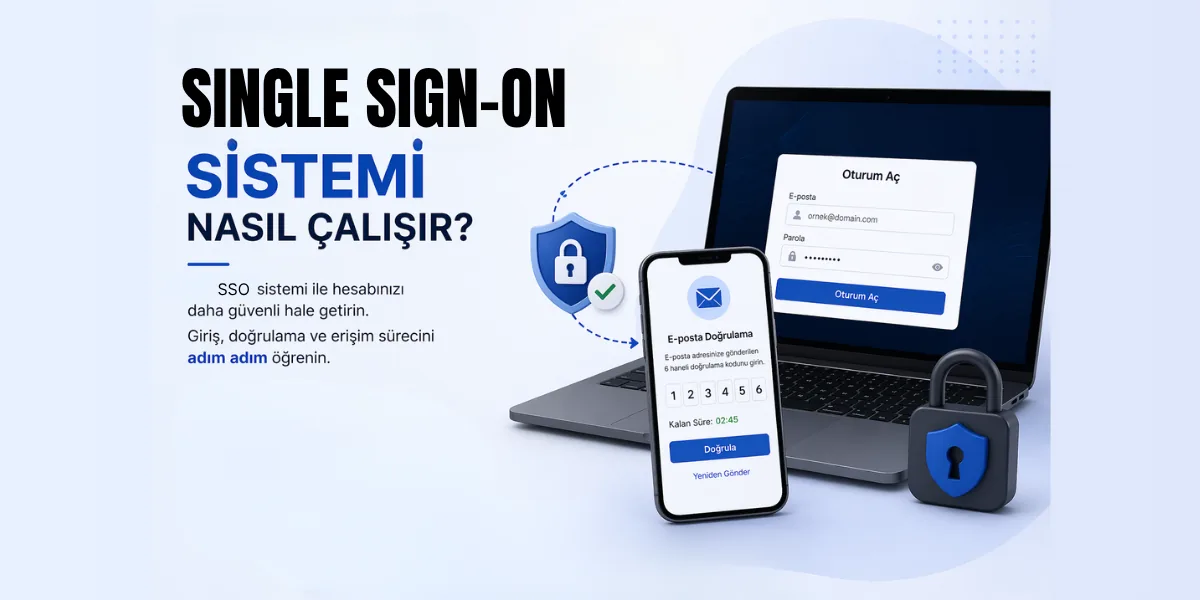
We explain how to verify your email address to activate a new account when you sign in to the METUnic panel with single sign-on (SSO). We also cover the 5-minute link validity and how to resend the verification email.
We explain step by step how to use the verification code sent to your email when logging in to the METUnic panel with Keylock. We also cover the code's 3-minute validity and what to check if the code does not arrive.
We explain PIR's .ORG Abuse Intervention Program (AIP), effective April 1, 2026, and how it affects registrars. We also confirm that .ORG registrations and transfers made through METUnic are not affected by the program.
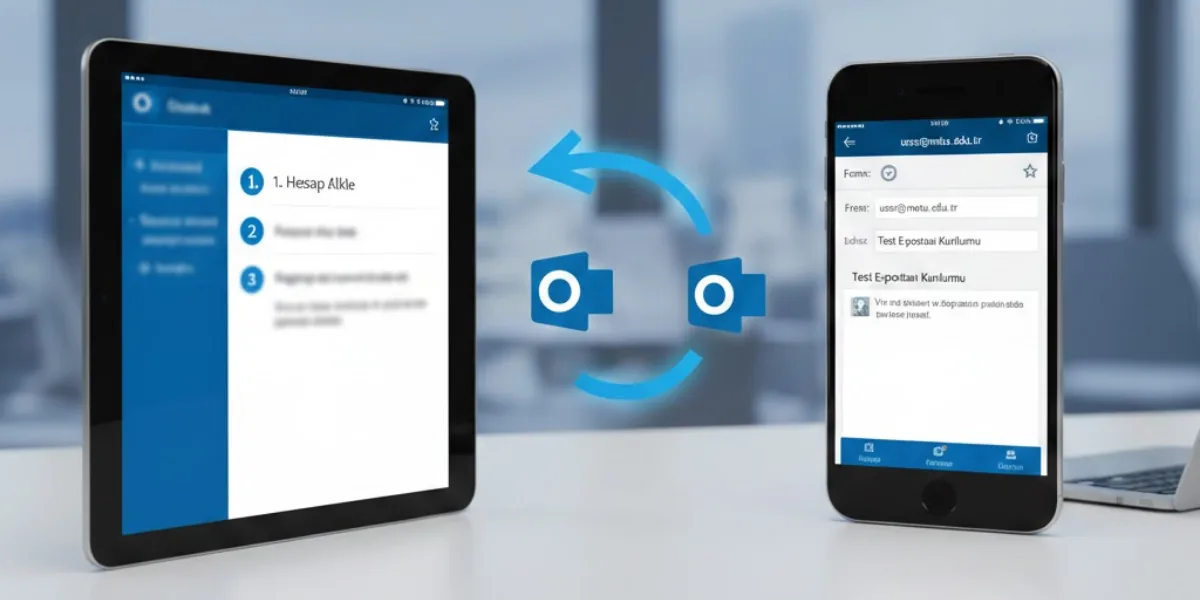
We walk you through adding your Business Email account to the Outlook app on iPhone and iPad using IMAP. We also show the IMAP and SMTP server settings you need and how to find them in your webmail settings.
We show step by step how to add your Business Email account to Gmail via POP3, with the server and port details. We also explain the SMTP settings for sending from that address in Gmail and how to fix common errors.
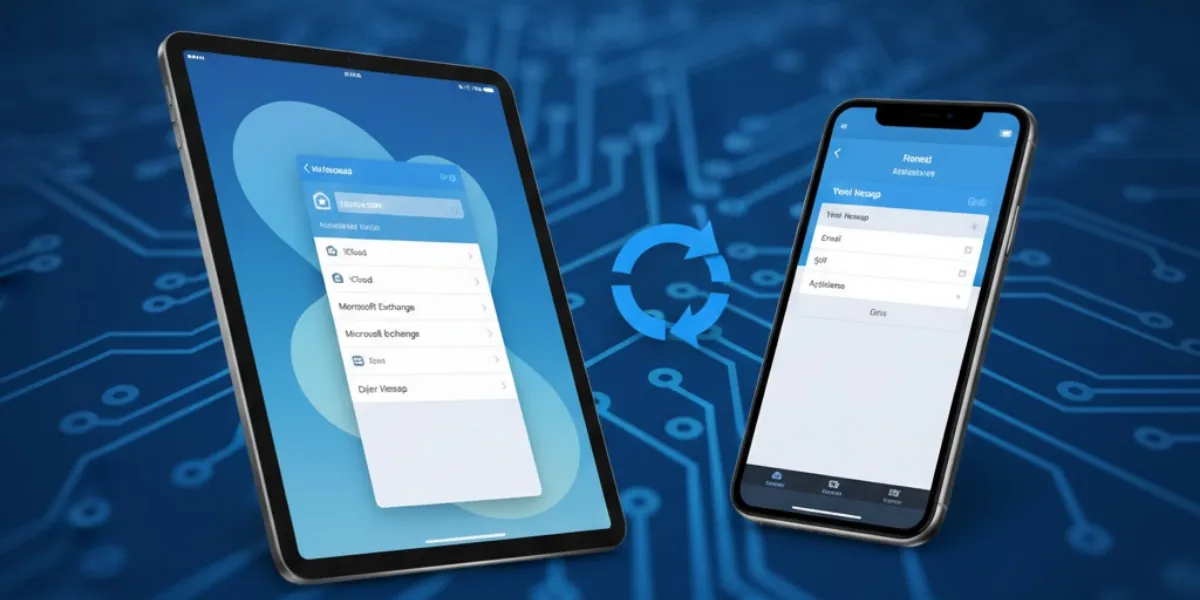
We show step by step how to add your Business Email account to Apple Mail on iPhone and iPad using IMAP and SMTP settings. We also explain where to find the server details in webmail and how to check the port settings.
We walk you through setting up your Business Email account in clients such as Outlook, Gmail and Thunderbird via webmail. We also share the required IMAP and SMTP server, port and connection settings.
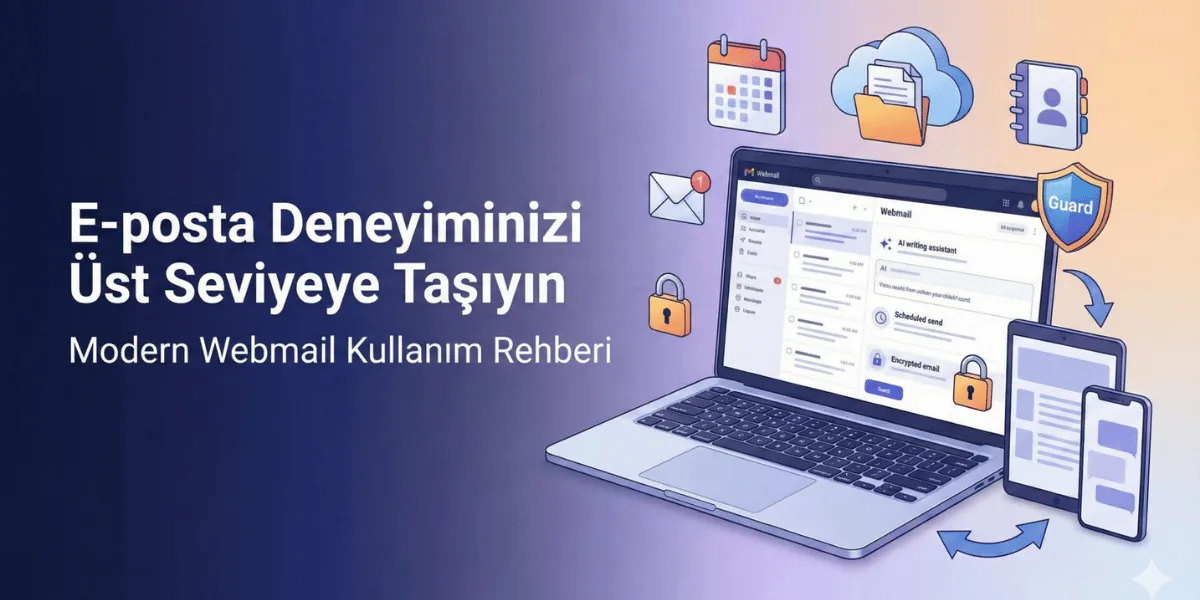
We show you how to use the mail, calendar, contacts, sharing and Drive modules in the Business Email webmail interface. We also explain plan features such as scheduled sending, rules, templates, encryption and AI tools.